
Meghdoot Millennium - Point of sale eMO Booking Error
Problem:
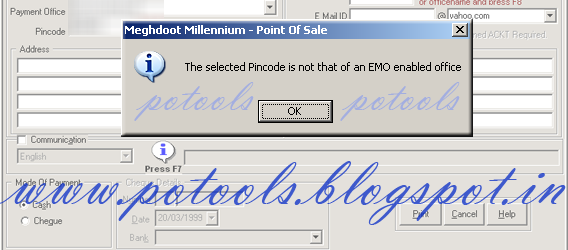
While Booking eMOs in Point of sale, some time point of sale shows an message as " The Selected pincode is not that of an EMO enable office ". this is due to non availability of eMO enabled offices pincode.
Solution:
1. Exit from Point of Sale, eMO and eMO Client Modules from all PCs.
2. Download attached zip file from PoTools(It Contains eMOOffices.exl and eMOPincodes.exl) updated upto 17/08/2013.
3. Execute exl using Script Tool.exe

No comments:
Post a Comment